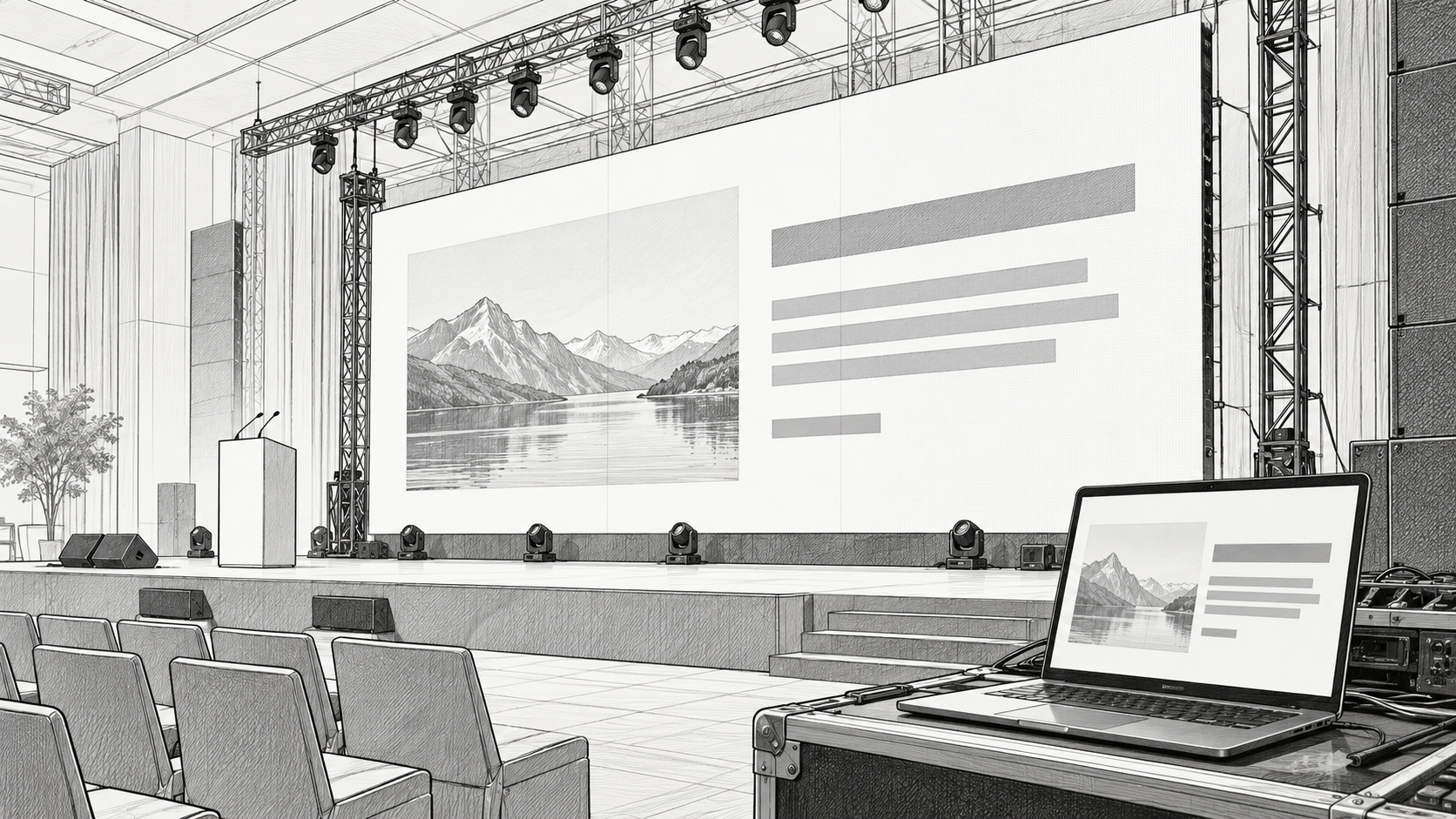
A beautifully designed slide may still disappoint if it is exported for the wrong screen-size, packed with small text, or delivered without a playback test.
Get the screen specifications before designing the graphics. That one step can prevent hours of revisions shortly before the event.
Request the screen specifications
Ask the production team for the required content dimensions in pixels, the wall's native resolution, its aspect ratio, and any zones reserved for presentations, live cameras, or branding.
The file you deliver may be a standard video format placed inside a larger canvas, or a custom composition created for the full display. Those workflows are different. Confirm which one the operator expects before exporting.
Do not assume “HD” or “4K” describes the physical wall's pixel count. The playback source, processing canvas, and LED display can have different resolutions.
Design for the farthest seat
Give each slide one clear purpose. Use large text, strong contrast, simple charts, and enough empty space to separate important elements.
Thin fonts, tiny legal lines, and dense spreadsheets are difficult to follow at event distances. Replace a detailed table with the few values the speaker needs to discuss, then provide supporting information through another channel.
Keep names, donation instructions, and other essential information away from edges and areas likely to be obscured by people or scenery. Confirm those safe areas with the room layout.
Use artwork that survives enlargement
Supply clean logos and high-quality source images. Vector artwork is useful during design, even when the final playback asset is a raster image or video.
Check crops carefully. An image that works on a website may place someone's face too close to the edge of an unusually wide stage canvas. Adapt the layout rather than stretching the original.
Agree on video and audio delivery
Confirm the container, codec, frame rate, audio format, and playback method with the operator. A filename ending in .mp4 does not guarantee compatibility with every playback setup.
For a spoken video, verify that the audio is included and that the sound team knows when it will play. Review captions at the actual display size. Keep a clearly named, approved master file and avoid confusing versions such as “final-new-final.”
Test the full sequence
Review transitions between slides, videos, live inputs, and holding looks. Check for cropped content, unexpected black frames, blurry logos or photos, and audio level changes.
Where possible, run the material on the installed wall before guests arrive. Walk to the back and sides of the room. A laptop preview cannot fully reproduce the audience's view.
Jaffe, Inc. can discuss delivery specifications and playback planning for your event. Contact us to start that conversation before the creative work is finished so the content and display are designed together!