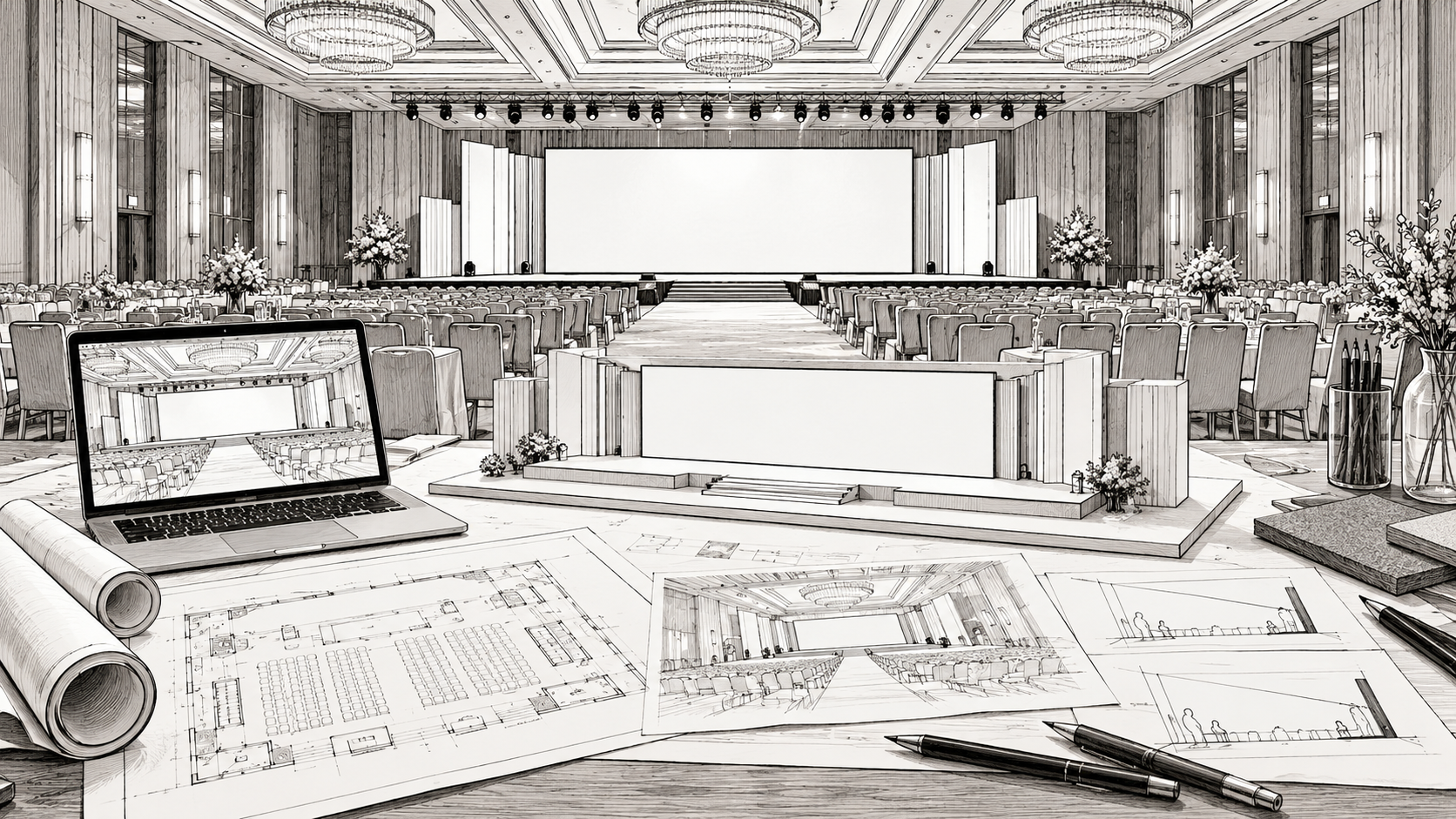
Many LED wall problems begin as planning gaps. The equipment may be working correctly while the audience struggles with small text, a blocked view, or an awkward pause between program segments.
The following mistakes are useful to address during planning because each has a practical remedy.
Choosing a wall before reviewing the room
A display size selected from a photo or package name may not fit the seating layout. The complete support footprint can also take up more room than expected.
Start with a plan. Review the farthest seats, wide viewing angles, stage height, and access around the installation before finalizing dimensions.
Assuming a larger image fixes small text
An enlarged presentation can still contain too much information. The screen's actual resolution and the audience's distance both matter.
Test the most detailed content early. Reduce the number of elements, increase text size, and give charts a clear message. A screen used for stage scenery may need a different content approach from a presentation display.
Delivering files at the last minute
Late content compresses the time available for checking dimensions, audio, fonts, video playback, and cue order. It also makes it harder to confirm which version is approved.
Set a deadline that leaves time for review. Assign one client contact to approve the final package and tell the operator how any subsequent changes will be authorized.
Running the wall too bright
Maximum brightness is not the same as the right brightness. A setting that works during setup may be uncomfortable after the house lights dim.
Review the wall under the event's lighting conditions. If cameras are involved, test the screen and the speaker lighting together rather than adjusting them independently.
Leaving cues open to interpretation
“Play the video after the speech” can mean different things to different people. Does playback begin after the last sentence, after applause, or when the host exits?
Write a specific cue and identify who calls it. Prepare a holding look that can stay on screen if the timing changes.
Overlooking the camera test
A screen that looks clean in person may show patterns or bands through a camera. Use the actual cameras and planned positions during testing, and allow the technical team time to address any issues.
This is especially important when the wall will appear behind a speaker in recorded or streamed footage.
Treating the rental as equipment alone
Clarify who handles installation, playback, program changes, and dismantling. If responsibilities are split among suppliers, identify the handoff between them.
The best prevention is a coordinated brief with the venue, planner, and production team. Send Jaffe, Inc the room plan, content needs, and schedule early so the screen plan can be developed around the event.